In 2026, the Supabase vs Firebase debate is no longer just about SQL vs NoSQL; it’s about control vs ecosystem, and how your backend supports AI-driven applications, edge computing, and long-term scalability.
If you’re going to create a web or mobile application but don’t want to manage servers, you’ve probably already heard of Supabase vs. Firebase.
Both are top-tier Backend-as-a-Service (BaaS) solutions that make development quicker and more convenient. With the click of a few buttons, you can create databases, authentication, APIs, and more, all without laying hands on a single server.
Firebase is built on a NoSQL document database, which is excellent for prototyping and flexibility. Think of it like you could store everything in a massive digital filing cabinet, but it wouldn’t be able to link the files in an orderly fashion.
On the other hand, Supabase is built on the traditional relational database PostgreSQL. Like a well-organized spreadsheet, this is perfect for handling structured data with clearly defined relationships.
Blog Overview
- Supabase and Firebase are leading Backend-as-a-Service (BaaS) platforms, but they follow very different architectural approaches.
- Supabase is built on PostgreSQL (SQL), making it ideal for structured data, complex queries, and AI-driven applications
- Firebase uses a NoSQL document model, optimized for rapid development, real-time sync, and mobile-first apps
- Supabase offers more control, open-source flexibility, and predictable pricing at scale
- Firebase provides faster setup, strong real-time capabilities, and deep integration with Google Cloud.
- In 2026, the decision is less about SQL vs NoSQL and more about control vs speed, and how your backend supports AI and scalability
- Quick answer: Supabase is better for scalability, control, and AI workloads, while Firebase is better for speed, real-time apps, and rapid MVP development.
From startup MVPs to AI-ready platforms, ClickIT’s experts architect your Firebase or Supabase backend. Hire our engineering team.
What is the Difference Between Firebase and Supabase?
| Supabase vs Firebase Comparison Features | Supabase | Firebase |
| Core Database | PostgreSQL (Relational / SQL) | Firestore (NoSQL / Document-based) |
| Open Source | 100% Open Source (No Vendor Lock-in) | Proprietary (Managed by Google) |
| Data Model | Structured schema, strong data integrity, supports complex SQL Joins. | Schema-less, flexible JSON-like documents, ideal for simple data. |
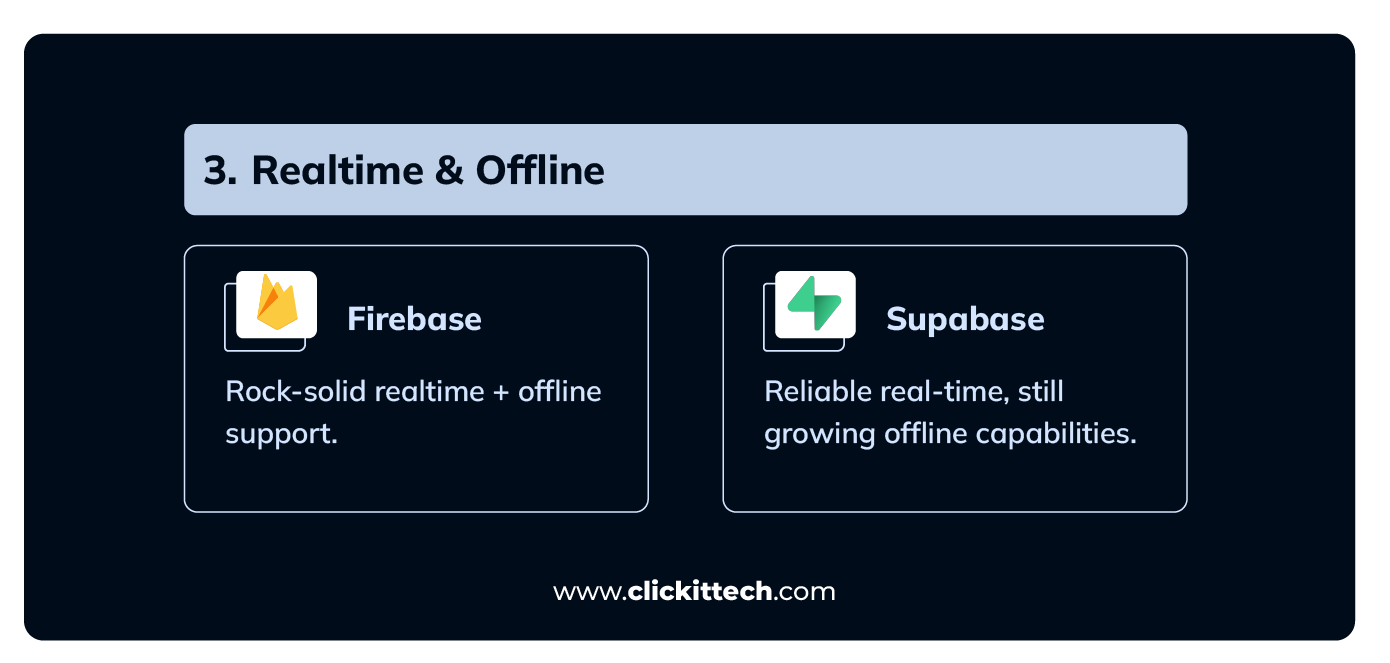
| Realtime/Offline | Realtime via WebSockets; Offline support is less mature. | Excellent, mature real-time sync; Strong offline-first SDKs. |
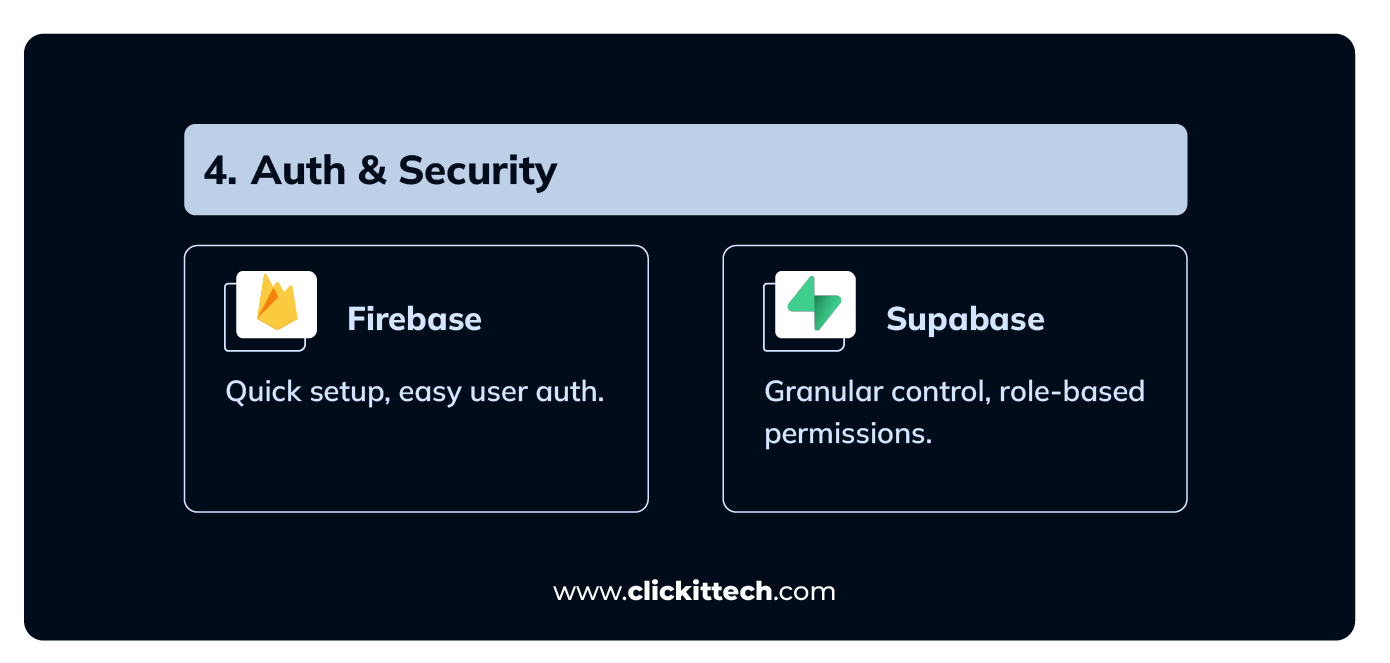
| Security | Granular control via Row-Level Security (RLS) using SQL policies. | Declarative, simpler Security Rules for quick setup. |
| Serverless | Apps needing structured data, enterprise needs, and long-term control. | Rapid prototyping, mobile-first apps, and real-time chat. |
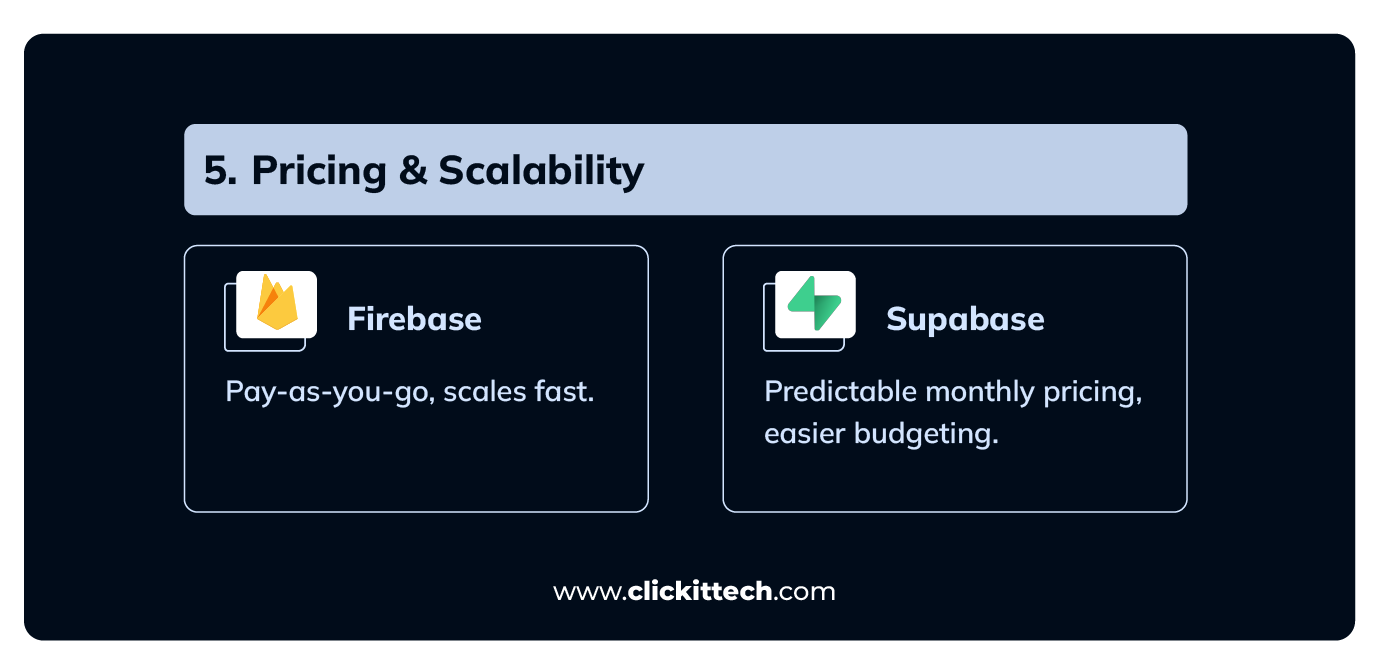
| Pricing | Predictable fixed monthly subscriptions. | Pay-as-you-go (Blaze Plan); Costs can spike unpredictably. |
| Use Case | Cloud Functions (Node.js, Python) are deeply integrated with Google Cloud. | Rapid prototyping, mobile-first apps, real-time chat. |
What’s the Difference Between Supabase vs Firebase?
The real difference in 2026 is not just database type, it’s the architecture philosophy:
Firebase = closed, NoSQL-first, fully managed ecosystem
Supabase = open, SQL-first, developer-controlled backend
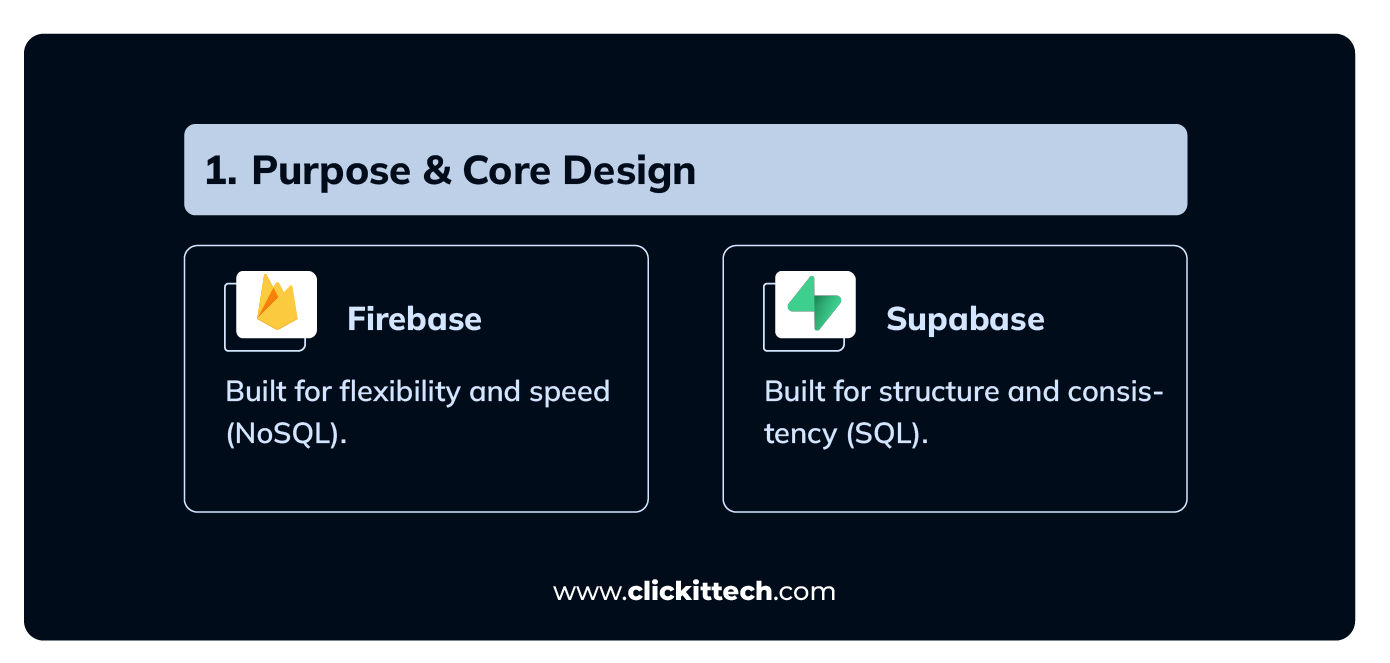

- Purpose and Design: Let’s get to the core: Why does each one exist? What was the original mission, and what task is each platform truly built to dominate?
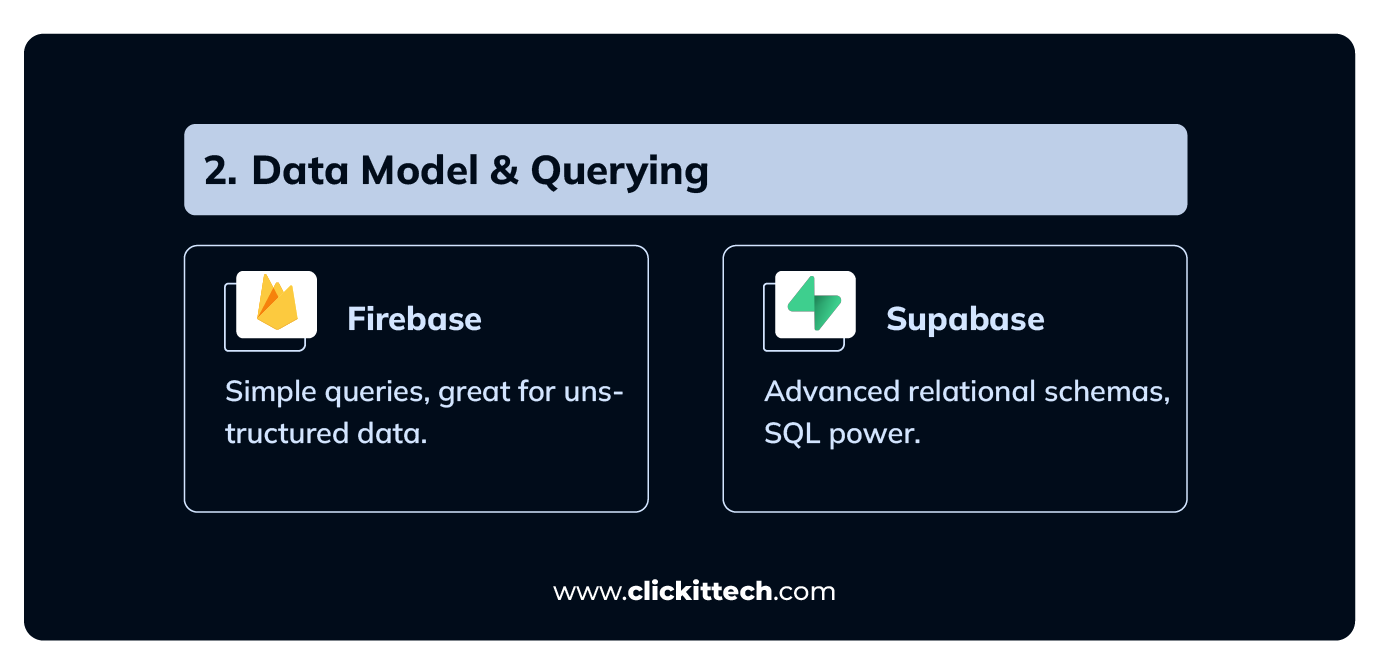
- Data Models and Querying: How is your data stored, accessed, and organized? This is the big one: Are we talking SQL or NoSQL?
- Realtime and Offline: How reliable is your app when the internet gets shaky or flat-out disappears? We’re talking about that “keeps on humming” performance for your users.
- Auth & Security: How safe, secure, and easy is it to manage user sign-ups, logins, and permissions?
- Functions & Integrations: What kind of backend automation and outside-the-box connections can you actually set up?
- Pricing Models: Let’s talk money. What’s the bill going to look like as your user base explodes?
- Database & Architecture: Supabase continues to dominate for relational workloads, powered by PostgreSQL and advanced extensions (including vector search for AI use cases).
- Firebase, traditionally a NoSQL database, has expanded with tools like Data Connect (SQL support), narrowing the gap, but still prioritizes document-based data models and Google ecosystem integration.
By digging into these six vital areas, you’ll move past the marketing hype and get a crystal-clear, practical sense of the differences.
That’s how you make the real informed choice for your next project, whether you’re just messing around with a quick prototype or building the next big thing.
| Use Case / Project Type | Choose Supabase If… | Choose Firebase If… |
| Data Structure | Apps requiring complex relationships, joins, or transactions (e.g., ERP, E-commerce). | Apps with simple, denormalized data (e.g., profile settings, basic content). |
| Team Expertise | Your team is SQL-savvy and values relational database tools. | Your team is mobile-focused (Flutter/Android) and prefers NoSQL flexibility. |
| Speed Goal | You need to scale and ensure data integrity for the long term. | You need the fastest possible MVP and quick prototyping. |
| Connectivity | Offline support can be built in later with custom logic. | Bulletproof real-time chat and mature, out-of-the-box offline support are essential. |
| Vendor Choice | You require open-source freedom, self-hosting options, and no vendor lock-in. | You are heavily invested in the Google Cloud Ecosystem (Analytics, AdMob). |
| Pricing | You need predictable, fixed monthly costs as your app grows. | You have low, unpredictable usage and want to pay strictly per operation. |
What’s the Difference Between Supabase vs Firebase regarding Purpose and Design?
To really compare Supabase vs Firebase, you have to start with their DNA. They were built for entirely different reasons.
The Short Story: Firebase is optimized for flexibility and rapid iteration, while Supabase is better for structured, relational data applications where data consistency matters.
- Firebase: Designed to help you ship fast. Its core strength is rapid development and built-in real-time functionality. Because it uses a NoSQL, document-based model, you can stuff data in without worrying about rigid schemas.
In 2026, Firebase has expanded into AI with tools like Genkit and native Gemini integration, allowing developers to quickly add AI features such as chat, recommendations, and content generation directly into applications.
Unlike Supabase, Firebase focuses on embedding AI into the app experience rather than the database layer.
It is perfect for chat apps, quick MVPs, and mobile-first projects where data is messy and changes constantly. Since Google Cloud fully manages it, you truly never have to think about servers, scaling, or infrastructure maintenance.
- Supabase: On the flip side, Supabase is built around PostgreSQL, an incredibly robust relational SQL database. This means Supabase places a strong emphasis on structured data, clear relationships, and, most importantly, data integrity.
In 2026, Supabase has evolved into an AI-native backend. It now includes built-in support for vector embeddings (pgvector), automatic embedding generation, and native integrations with AI models like OpenAI and Hugging Face.
It also introduced features such as an MCP (Model Context Protocol) server and an AI assistant for database management, making it easier to build AI agents and RAG-based applications directly on top of the database layer.
The fact that it’s open-source and supports self-hosting gives developers significantly more control over their backend setup. This makes it ideal for apps like e-commerce platforms, financial applications, and systems that rely on complex data relationships.
Read our blog PostgreSQL vs MySQL
How do Data Models and Querying Work for Supabase and Firebase?
The choice of database essentially changes how you build and query your app.
In 2026, this decision will also determine how easily you can build AI features. Supabase enables AI at the data layer (embeddings, vector search, RAG), while Firebase enables AI at the application layer (UI-driven AI features powered by Google models).
The Short Story: Firebase is for flexible, unstructured data with simple queries. Supabase is the clear winner for applications that need relational data schemas and advanced querying abilities.
- Firebase: Firebase’s NoSQL, document-oriented structure eliminates the need for a strict schema. Information is stored as loose, JSON-like blobs. This schema-less arrangement is wonderful when you’re moving quickly, but it falls short with complex requests. Want to combine data from two or more “tables” or run thorough aggregations? You often have to resort to coarse workarounds in client code.
- Supabase: Supabase introduces relational goodness of PostgreSQL. You get standard tables, foreign keys, and all the relational goodness. This makes it much easier to enforce data rules, keep your data clean, and, most importantly, perform complex SQL joins and aggregations in place and performantly on the server.
Difference Between Supabase vs Firebase in Realtime and Offline Capabilities?
For any application that relies on live data or needs to function reliably when the connection gets shaky, real-time and offline support is absolutely crucial and often the deciding factor.
The Short Story: Look, if you’re building a chat app, a live dashboard, or any collaborative tool where a bulletproof offline experience is non-negotiable, Firebase is the safer, more established choice today.
Supabase is definitely catching up, but budget time for extra development if that top-tier offline reliability is a must-have.
Firebase still leads in real-time synchronization and offline-first support, especially for mobile apps, with battle-tested infrastructure and caching.
Supabase has improved significantly, offering more granular, database-level real-time control, which is especially useful for structured applications
- Firebase: Firebase is a mature platform with well-established real-time capabilities. It offers excellent, mature real-time support where any data change hits all connected clients instantly. Even better, its offline support is top-tier. Firebase-enabled apps can keep functioning seamlessly, letting users read and write data even if they drop off Wi-Fi or lose cellular service.
- Supabase: Supabase handles the real-time updates just fine – it delivers them using WebSockets, which works well. The catch, though? Its offline support just isn’t as mature yet. If you decide to go with Supabase, you need to be prepared: you’ll likely have to build or integrate your own custom caching and offline strategies to match the robustness of what Firebase hands you right out of the box.
Read our blog, Node.js vs Python: Which Backend is Better?
How does authentication and Security work for Supabase and Firebase?
Securing user access is a major development headache, and these platforms tackle it in different ways. It’s a trade-off between ease of use and granular control.
The Short Story: If you require run-of-the-mill authentication with a minimum of hassle, Firebase is the way to go.
If your app requires robust, customizable, role-based access control for individual rows of data, Supabase is the better, more adaptable option.
- Firebase: It gives you a highly polished, pre-built auth suite that handles pretty much everything: email/password, phone sign-in, and all the big social logins. Security is managed through simple, declarative Security Rules. They’re quick to set up, but they don’t allow for super complex, fine-tuned logic.
- Supabase: Supabase includes all the usual stuff: password, magic link, one-time password (OTP), social login, and single sign-on (SSO). But its security center is different: it leverages PostgreSQL’s Row-Level Security (RLS). It’s certainly more complicated to set up in the first place, since you’re authoring actual SQL policies. However, you have fine-grained, customizable control over who can read, write, or modify individual rows of data based on a user’s role or ID.
How much does Supabase and Firebase Cost?
Firebase is ideal for real-time-heavy apps, thanks to its scalable, pay-as-you-go model. Supabase offers predictable monthly costs that finance teams love. You buy a larger-capacity bucket, like the $25 Pro plan, and know exactly what you get.
- Firebase: Firebase offers a fantastic Spark free plan, which is perfect for tiny apps and just messing around. Once you scale, you jump onto the Blaze plan, which is strictly pay-as-you-go. Your costs are tied directly to every little thing you do: reads, writes, storage, and bandwidth. While that’s flexible for light use, the major risk is this: high-traffic periods or viral spikes can instantly lead to unpredictable and scary bills. You’re constantly tracking micro-operations.
- Supabase: Supabase offers a generous free tier as well, but its paid model is based on fixed monthly subscription plans (with add-ons for things like extra storage). This is a game-changer because it makes your pricing much more predictable as you grow. Knowing your core monthly expense up front is a huge relief for budgeting in production apps with consistent, steady traffic.
In 2026, pricing differences become more noticeable at scale:
- Firebase charges per operation (reads/writes), which can become expensive in high-traffic apps (often 3–5x higher depending on usage)
- Supabase uses more predictable pricing based on infrastructure and instances, making it easier to control costs long-term
How do Functions and Integrations work for Supabase vs Firebase?
The last piece of the puzzle, and it’s a critical one, is what each platform does for your custom server-side code, or as everyone calls them, serverless functions, and how well they communicate with other systems.
The Short Story: Firebase has the proven, deeply integrated serverless tech for the Google world. Supabase offers newer, flexible edge functions that are definitely better suited for relational stacks and apps where low latency is your main goal.
- Firebase: Firebase has one of the most mature and proven Cloud Functions implementations. This stuff is seriously mature and lets developers run serverless backend logic. It can be triggered by a database change, a new sign-up, or just a simple API call. The massive, massive advantage is that it’s tightly woven into the entire Google ecosystem. If you’re using other Google tools, the automation is basically seamless.
In 2026, Firebase is evolving into a more AI-first development platform, with deeper integration across Google services and tighter coupling with its ecosystem. This makes development faster but also increases dependency on Google’s infrastructure.
- Supabase: Supabase fights back with Edge Functions. They’re built on Deno, and they run right at the edge, which means they’re geographically much closer to your users. This is huge for low-latency operations where speed really counts. Because it’s built on PostgreSQL, its functions are particularly well-suited to integrating directly with the database, RESTful APIs, and the wider open-source ecosystem. It’s super flexible if you prefer SQL-centric workflows.
The biggest shift is this: backends are no longer just data layers; they are AI orchestration layers.
Key trends:
- Rise of vector databases and AI-native backends
- Edge computing is becoming the default for low-latency apps
- AI agents interacting directly with backend systems
- Growing need for cost predictability at scale
In practice:
- Supabase → better for building custom, scalable, AI-driven systems
- Firebase → better for launching fast and integrating AI into existing apps
When to use Supabase vs Firebase?
Which one should you actually use for your project? The answer lies in what your app requires, your team’s expertise, and your long-term aims.
- Choose Firebase if you want speed, simplicity, and ready-to-use managed services for real-time, mobile-first apps.
- Choose Supabase if you want flexibility, SQL querying power, open-source transparency, and more control over your backend.
When should I use Firebase?
- Mobile-first apps: You’re building mobile-first apps. Especially if you’re working with Android or Flutter, Firebase’s SDKs are incredibly seamless and its built-in real-time sync is ready to go right out of the box.
- MVPs and prototypes: Firebase excels when speed to deployment is your top priority. Its fully managed infrastructure and super simple setup mean zero wasted time on servers.
- Real-time-heavy apps: Your app is real-time intensive. Think chat applications, collaborative tools, or those live sports dashboards. Firebase’s original architecture is inherently optimized for instant, constant updates.
- Tight Google ecosystem use: If you’re already using Google Cloud services (e.g., BigQuery, Analytics, ML APIs), Firebase fits perfectly.
When should I use Supabase?
- SQL-first teams: If your team is SQL- and relational database-savvy, Supabase is the obvious choice. Its PostgreSQL roots provide you with flexibility and might.
- Data consistency matters: Apps that require strong relationships, constraints, and structured data (e.g., e-commerce, finance, ERP systems) benefit from Supabase’s relational model.
- Open-source preference: Supabase is completely open-source. That means you avoid vendor lock-in and can even self-host the whole stack if you want maximum control.
- Custom backend needs: If you plan to extend functionality, write custom stored procedures (SQL), or build specific server-side workflows, Supabase gives you far more freedom than Firebase.
Ultimately, the decision in the Supabase vs Firebase debate boils down to whether your app is a rapid real-time mobile app (Firebase) or a scalable, SQL-driven web and enterprise app (Supabase). What skills does your team have, and what does your data actually need?
In 2026, the biggest shift is this: backends are no longer just infrastructure—they are becoming AI orchestration layers.
Which one is better between Supabase and Firebase?
Firebase is practically unbeatable for rapid prototyping, building mobile-first apps, and anything that requires instant, reliable real-time functionality. If speed and simplicity are your top concerns, it’s a guaranteed win. Plus, if you’re already plugged into Google Cloud, the integration is seamless.
Supabase, in contrast, hands you the immense power of PostgreSQL, total open-source freedom, and fine-grained control over your entire backend. It’s ideal for teams where SQL querying horsepower, organized data, and vendor lock-in-free, long-term scalability are top priorities.
Ultimately, your decision between Supabase vs Firebase comes down to three things: your team’s expertise, your data model, and your growth goals.
Want something fast and frictionless right now? Go with Firebase. Need flexibility, control, and enterprise-level SQL robustness? Supabase is your best bet.
The real key to success isn’t picking the “better” platform, but picking the one that aligns perfectly with your app’s core vision.
Not sure which backend fits your app? We master both! Real-time speed meets SQL power.
FAQs
The absolute biggest difference is what they use for their core database. Firebase runs on a NoSQL document store (Firestore). Supabase, on the other hand, gives you a powerful SQL-based solution (PostgreSQL). That one choice dictates pretty much everything else about how you build your app.
No, not really. They’re just built for different jobs. Supabase wins out for projects that need structured data, complex relationships, and the flexibility of an open-source, SQL environment. Firebase is the superior choice if you’re building mobile-first apps, need bulletproof real-time functionality, or your top priority is quick prototyping.
Supabase handles real-time data flow perfectly fine, but its dedicated offline support is still catching up. Firebase currently has much stronger, more reliable offline-first capabilities, making it the safer option if your app needs to function reliably without a constant internet connection.
Yes, Supabase is 100% open source. That means you have the freedom to self-host the platform and avoid vendor lock-in. Firebase, however, is a proprietary platform entirely owned and managed by Google Cloud.
This is a critical update most blogs miss.
Supabase is emerging as a strong backend for AI systems (RAG, embeddings, vector search) thanks to native pg_vector support and SQL flexibility
Firebase is evolving into an “AI-integrated backend” with tools like Genkit and client-side AI workflows powered by Google’s ecosystem