Replit changed how developers prototype. It made cloud coding accessible. It introduced built-in agents. It blurred the line between IDE and deployment platform. But why are users looking for Replit alternatives?
Replit is great for speed; it’s not always great for predictability, scalability, or production governance.
Across engineering blogs and Reddit discussions, the same friction points show up:
- Replit suffers from “Noisy Neighbor” in its free containers. Because they share environments, CPU performance fluctuates, ruining latency tests for AI models. Alternatives like Railway or Codespaces offer dedicated resources that eliminate this technical noise.
- Effort-based or token-based pricing that becomes hard to forecast
- Limited control over infrastructure
- Code that’s easy to generate, harder to maintain
- Agent workflows that don’t align with PR-based engineering teams
So what’s missing?
For growing startups and serious product teams, what’s missing is usually control, portability, and production clarity.
If you need help choosing and implementing the right AI stack? Hire our AI engineering team to build it right from day one.
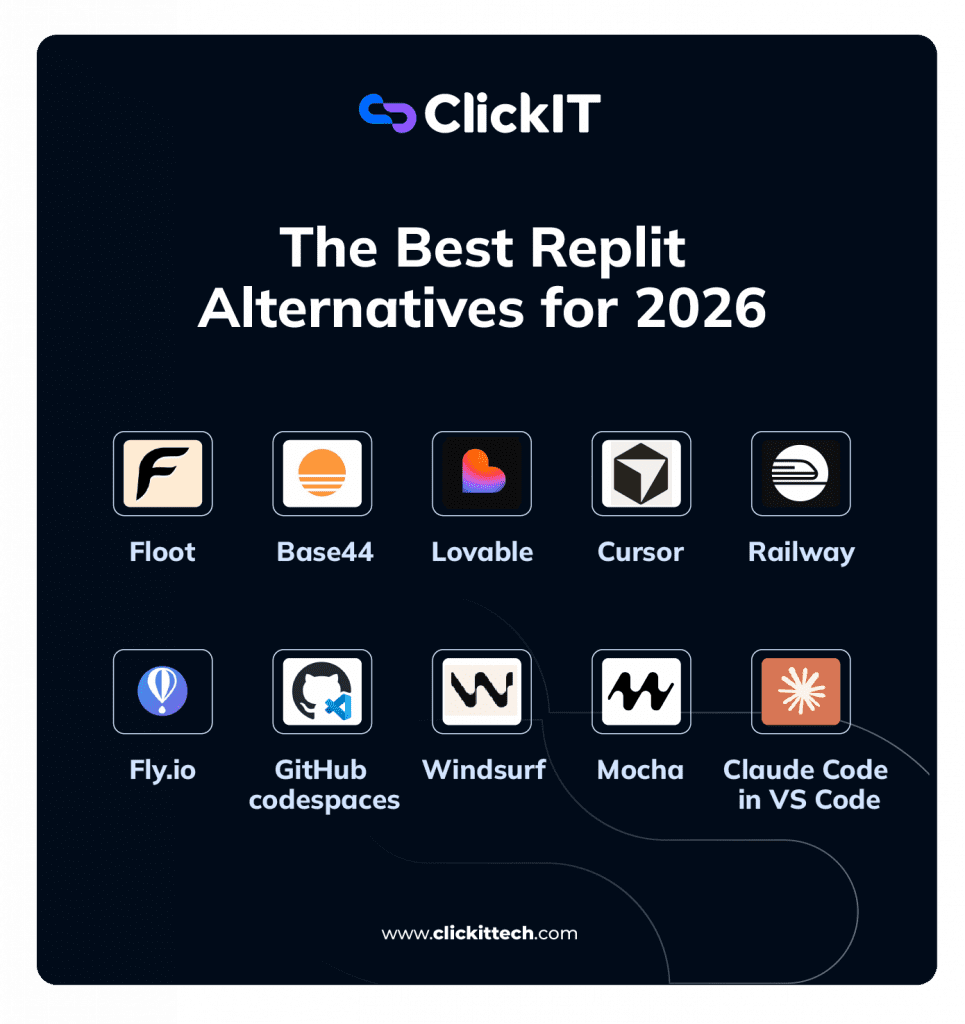
Let’s break down the top Replit alternatives for 2026
1. Floot
Core Features
- Real-time multi-user editing: Live cursors for every collaborator, low latency in browser or local sessions.
- Session recording: Playback of coding sessions for documentation or onboarding.
- Chat + code flow: Console and chat features coupled with the editor for seamless communication.
Why It’s Valuable
Floot’s strength is its synchronized interaction, which is perfect for distributed teams doing pair programming or teaching workshops.
Pros of Floot
- Highly collaborative
- Transparent workspace states
- Integrates with existing local tooling
Cons of Floot
- Not an AI-heavy platform
- No built-in deployment or agent workflows
2. Base44
Core Features
- Smart scaffolding: AI-guided creation of structured app templates.
- Component library: Pre-built blocks for UI and backend logic.
- AI optimization: Suggestions based on best practices.
Why It’s Valuable
Base44 isn’t just an editor; it helps shape the project architecture itself, which is rare among alternatives.
Pros of Base44
- Good for rapid prototype → product workflows
- Clean starter code
- AI helps maintain consistency
Cons of Base44
- Less control over detailed project structure
- Learning curve for complex customizations
3. Lovable
Core Features
- Layered AI generation: Generates UI, backend, and logic based on prompts.
- Credit transparency: Clear breakdown of credit costs per action.
- Frontend previews: Instant visual feedback in UI builder.
Why It’s Valuable
When product clarity and visual iteration are the priority, Lovable’s UI-first focus shines.
Pros of Lovable
- Fast iteration
- Easy for designers and PMs
- Transparent consumption metrics
Cons of Lovable
- Backend is less flexible
- Credits can add up quickly for heavy usage
4. Cursor
Core Features
- Deep Git integration: Operates on real repositories, not isolated workspaces.
- AI suggestions inline: Code improvements, completions, and refactors right in the editor.
- Indexing of the local Language Server Protocol (LSP). This ensures that AI suggestions respect complex type definitions and decorators in real time, reducing errors in microservices architectures.
- Local Symbol Indexing: Unlike Replit, Cursor maps the entire file tree locally. Cursor uses tree-sitter for real-time AST parsing, meaning the model receives structural context from the code (not just plain text). This reduces confusion during refactoring because the AI understands scope, not just syntax. Replit Agent does not expose this to the user.
- PR automation: Optionally generate draft pull requests with agent edits.
Why It’s Valuable
Cursor stands out by merging AI assistance with the engineering discipline. It doesn’t hide your code, it enhances it.
Pros of Cursor
- Suits production teams
- Natural workflow for Git users
- Predictable pricing tiers
Cons of Cursor
- Requires engineering maturity
- No built-in deployment

Watch the video
5. Railway
Core Features
- One-click deployments: Connect a Git repo and ship instantly.
- Infrastructure visualizer: See your services, databases, and deploy targets.
- Metrics + logs: Built-in observability for debugging in production.
Why It’s Valuable
Railway doesn’t replace a code editor; it replaces the hosting side of Replit. It’s ideal when deployment is the bottleneck.
Pros of Railway
- Smooth developer experience
- Works with most stacks
- Clean UI
Cons of Railway
- No AI editor features
- Not designed for real-time collaboration
Turn your Replit alternative into a production-ready system with our AI engineering experts.
6. Fly.io
Core Features
- Edge-based deployment: Routes your application closer to users globally.
- Persistent storage options: For stateful apps without external services.
- CLI workflow: Focused command line control with configurations.
Why It’s Valuable
Fly.io excels when you need performance and global scale, not just a simple cloud deployment.
Pros of Fly.io
- High-performance edge hosting
- Good for microservices
- Flexible configs
Cons of Fly.io
- Sharp learning curve
- Not beginner-friendly
7. GitHub Codespaces
Core Features
- Containerized dev environments: Consistent workspace for every contributor. Codespaces allows you to define devcontainer.json with pre-installed dependencies, which, for AI engineers, means you can ship an environment with CUDA drivers, specific versions of PyTorch or Transformers, and Jupyter already configured. This is impossible to consistently replicate in Replit because you don’t have access at the OS level.
- Pre-configured templates: Ship new dev machines with configs.
- VS Code compatibility: Same editor, browser, or local experience.
Why It’s Valuable
Codespaces solves the “works on my machine” problem by standardizing environments across teams.
Pros of GitHub Codespaces
- Built for teams
- Policies + controls for orgs
- Seamless GitHub integration
Cons of GitHub Codespaces
- Billing tied to compute time
- Doesn’t include AI agents by default
8. Mocha
Core Features
- Browser-first IDE: Lightweight editor in the cloud.
- Basic language support: Syntax highlighting, quick edits.
- Instant start: No local setup required
Why It’s Valuable
Simple cloud editing, perfect for quick patches, content updates, or editing small scripts.
Pros of Mocha
- Easy and fast
- Zero setup
- Low cognitive overhead
Cons of Mocha
- No advanced AI tools
- Limited feature set
9. Windsurf
Core Features
- Integrated AI assistant: Agents tuned for code generation and review.
- Prompt refinement tools: Interactively shape the outcomes.
- Dashboard analytics: See generation usage and cost.
Why It’s Valuable
Windsurf positions itself as a next-gen dev experience that blends editor, agent, and analytics.
Pros of Windsurf
- Modern UX
- Deep AI workflows
- Visual project dashboards
Cons of Windsurf
- Evolving pricing
- Still maturing ecosystem
10. Claude Code in VS Code
Core Features
- Embedded LLM assistant: Claude running inside VS Code.
- Contextual understanding: Larger context windows for reasoning.
- Local control: Your code stays where you choose.
- Claude has a context window of 200k tokens. In practice, this means you can pass it entire embedding files, complete database schemas, or ML pipelines without truncation. Replit Agent internally limits the context it passes to the model without specifying the limit, which leads to inconsistent responses in large projects.
Why It’s Valuable
This is effectively the ultimate modular setup: you pick your editor, your hosting, and your AI.
Pros of Claude Code in VS Code
- High control
- Excellent reasoning
- No vendor lock-in
Using Claude Code lets you choose the exact model (Sonnet for code, Haiku for quick tests) via the API, optimizing cost per token. With Replit, you’re tied to what the agent decides to use internally.
Cons Claude Code in VS Code
- No hosting or deployment included
- Requires some configuration
How to Choose the Best Replit Alternative?
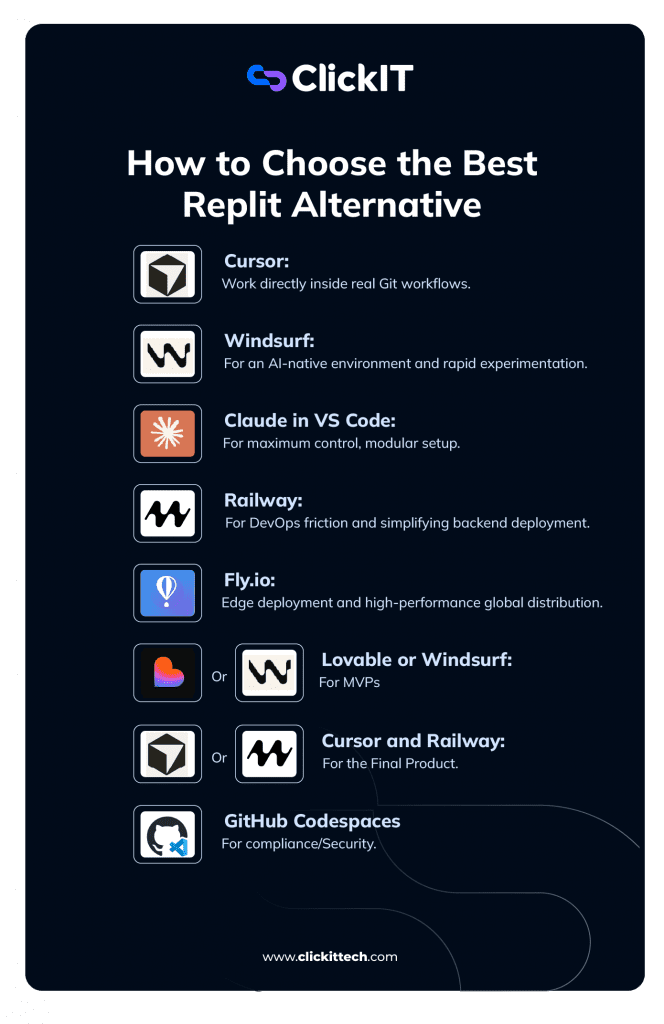
Here’s a simple decision structure you can follow and critical questions to ask yourself:
| Scenario / Stage | Recommended Tools | Why This Is the Best Fit |
| Early MVP (Speed over structure) | Lovable / Windsurf | Fast AI-driven development, minimal setup, optimized for experimentation rather than architecture. |
| Structured MVP (Cleaner foundation) | Base44 | More organized scaffolding, better transition path toward production. |
| AI-Driven Development (Serious coding) | Cursor / Claude in VS Code | Works directly with Git repositories, supports refactoring, strong reasoning, and PR workflows. |
| Production Deployment (Simple & Clean) | Railway | Easy deployment, clean CI/CD integration, ideal for growing SaaS products. |
| Global Infrastructure Scaling | Fly.io | Edge deployment, low latency, scalable architecture for international users. |
| Enterprise / Compliance / Governance | GitHub Codespaces | Controlled, reproducible environments managed at the organization level. |
| Real-Time Collaboration Focus | Floot | Multiplayer coding sessions, pair programming, training environments. |
| Lightweight Cloud Editing | Mocha | Quick browser-based coding without heavy AI or infrastructure complexity. |
| Solo Founder Experimentation | Windsurf / Mocha | Low overhead, high iteration speed, minimal configuration required. |
Step 1: Identify Your Primary Constraint
Ask yourself: What is currently limiting your progress? Do you need AI help during development?
If your bottleneck is writing, refactoring, or reasoning about code, you need a strong AI layer, not just a cloud IDE.
- Cursor: Best when you want AI working directly inside real Git workflows. Ideal for serious engineering teams.
- Windsurf: More AI-native environment, better for rapid experimentation.
- Claude in VS Code: Maximum control, modular setup, best reasoning depth.
Choose this path if you want better code output, faster iteration, or support for complex refactoring.
Step 2: Is deployment your bottleneck?
If your frustration isn’t coding, but shipping your solution, isn’t another IDE? It’s infrastructure.
- Railway: Simplifies backend deployment with minimal DevOps friction.
- Fly.io: Edge deployment and high-performance global distribution.
Choose this path if your app works locally, but production feels messy, slow, or fragile.
Step 3: Is team consistency the real problem?
As teams grow, environment drift becomes expensive. Different setups, broken builds, and onboarding delays.
- GitHub Codespaces: Containerized dev environments tied to repos. Every engineer runs the same configuration.
Choose this path if: You manage multiple developers and need reproducibility more than AI novelty.
Step 4: Are you focused on prototypes?
If you’re testing ideas fast, not optimizing architecture, prioritize velocity.
- Lovable: UI-first AI builder, strong for visual iteration.
- Base44: Structured AI scaffolding with cleaner architecture foundations.
Choose this path if: You’re validating product-market fit, not building long-term infrastructure.
Step 5: Do you prioritize collaboration?
If your workflow revolves around shared sessions, mentorship, or real-time interaction:
- Floot: Real-time multi-user editing without locking into a single cloud runtime.
Choose this path if you need synchronous collaboration more than AI generation.

What Replit Altenative Work Better for you Based on your Role?
Different roles prioritize different outcomes.
AI Developers
You care about:
- Code quality
- Refactoring
- Deep reasoning
- Large context windows
Best fit:
- Cursor
- Claude in VS Code
These give you control and high-quality AI assistance.
CTOs / Engineering Leaders
You care about:
- Governance
- Security
- Environment reproducibility
- Cost forecasting
- MVP
Best fit:
- GitHub Codespaces
- Fly.io
- MVP: Lovable or Windsurf (Speed over structure).
- For the Final Product: Cursor + Railway (Real engineering structure + Robust CD/CI).
- For compliance/Security: GitHub Codespaces (Ephemeral environments controlled by the organization)
These tools support scalable engineering operations.
Product Managers / Designers
You care about:
- Speed
- Visual iteration
- Feature validation
- Minimal setup
Best fit:
- Lovable
- Base44
They reduce friction between idea and prototype.
Founders and CEOs
You care about:
- Moving fast
- Minimizing overhead
- Testing multiple ideas
Best fit:
- Windsurf
- Mocha
These keep cognitive load low and experimentation high.
FAQs about Replit Alternatives
AI-assisted code editors (like Cursor or Claude in VS Code)
Cloud development environments (like GitHub Codespaces)
Deployment-focused platforms (like Railway or Fly.io)
Most developers don’t switch because Replit is bad. They switch because:
Pricing becomes unpredictable with agent usage
Projects grow beyond the prototype stage
Teams need PR-based workflows
They want full ownership of the infrastructure
As projects scale, modular workflows (separating AI, IDE, and hosting) often become more stable and cost-efficient.
If AI assistance is your priority, the most common Replit agent alternatives are:
Cursor: Deep AI integration inside Git workflows
Windsurf: AI-native coding platform
Claude in VS Code: Maximum reasoning power with local control
These tools provide stronger repository control and more advanced reasoning than all-in-one platforms.
Yes, several Replit alternatives offer free tiers, including:
GitHub Codespaces (limited free compute hours)
Cursor (free hobby tier)
VS Code with Claude or other AI APIs (pay-per-usage)
Mocha (lightweight cloud editing)
However, “free” often comes with compute, credit, or token limits. Always review usage policies before committing.